

What Is a Trigger Plugin?
Triggers were introduced in Dify v1.10.0 as a new type of start node. Unlike functional nodes such as Code, Tool, or Knowledge Retrieval, a trigger converts third-party events into an input format that Dify can recognize and process.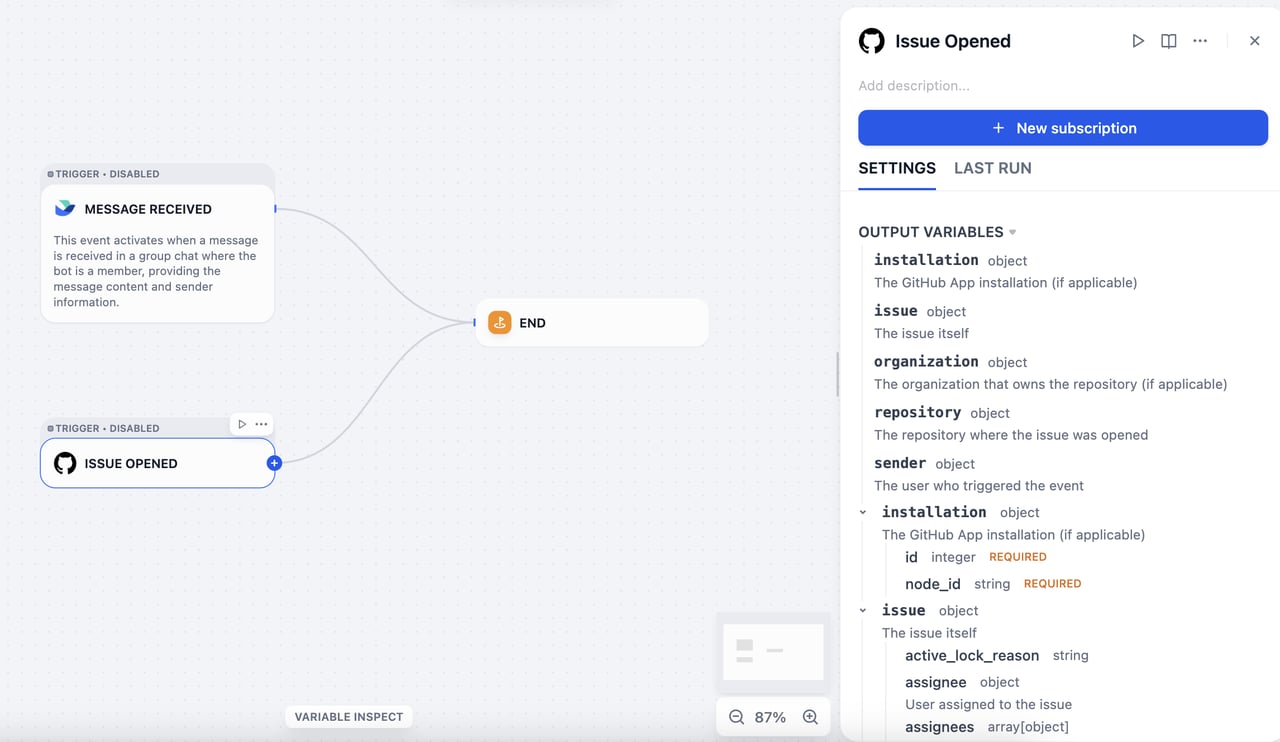
new email event receiver in Gmail, Gmail automatically sends an event to Dify every time you receive a new email, and that event can trigger a workflow. However:
- Gmail’s original event format is not compatible with Dify’s input format.
- There are thousands of platforms worldwide, each with its own unique event format.
Technical Overview
Dify triggers are built on webhooks, a widely adopted mechanism across the web. Mainstream SaaS platforms such as GitHub, Slack, and Linear support webhooks and document them thoroughly. A webhook is an HTTP-based event dispatcher: once you configure an event-receiving address, the platform automatically pushes event data to that address whenever a subscribed event occurs. To handle webhook events from different platforms in a unified way, Dify defines two core concepts: Subscription and Event.- Subscription: The configuration that registers Dify’s network address as the target server in a third-party platform’s developer console.
- Event: A platform may send multiple types of events (such as email received, email deleted, or email marked as read), all pushed to the registered address. A trigger plugin can handle multiple event types, and each event corresponds to a Plugin Trigger node in a Dify workflow.
Plugin Development
Developing a trigger plugin follows the same process as other plugin types (Tool, Data Source, Model, and so on). Create a development template with thedify plugin init command. The generated file structure follows the standard plugin format specification.
manifest.yaml: Describes the plugin’s basic metadata.providerdirectory: Contains the provider’s metadata, the code for creating subscriptions, and the code for classifying events after receiving webhook requests.eventsdirectory: Contains the code for event handling and filtering, which supports local event filtering at the node level. You can create subdirectories to group related events.
For trigger plugins, set the minimum required Dify version to
1.10.0 and the SDK version to >= 0.6.0.Create a Subscription
Webhook configuration methods vary significantly across mainstream SaaS platforms:- Some platforms (such as GitHub) support API-based webhook configuration. For these platforms, once OAuth authentication is completed, Dify can automatically set up the webhook.
- Other platforms (such as Notion) do not provide a webhook configuration API and may require users to perform manual authentication.
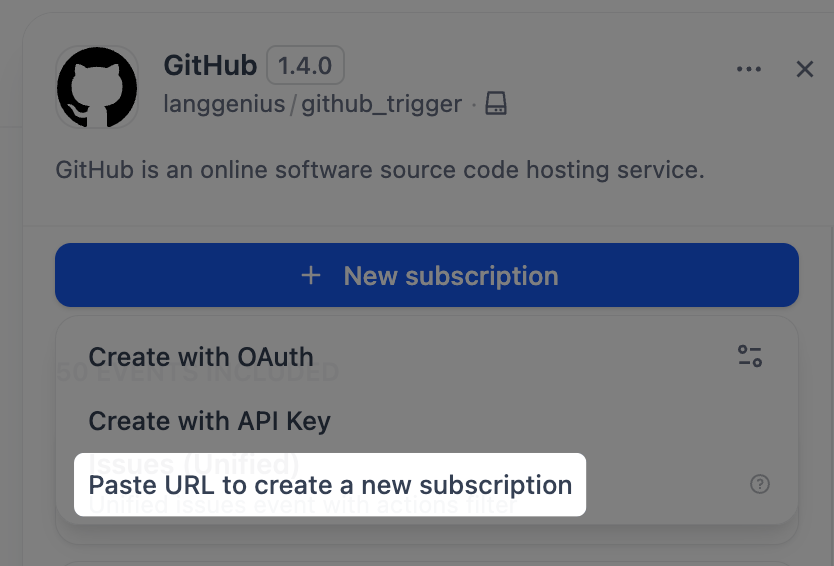
github.yaml and github.py.
- github.yaml
- github.py
GitHub webhooks use an encryption mechanism, so a secret key is required to decrypt and validate incoming requests. Declare
webhook_secret in github.yaml.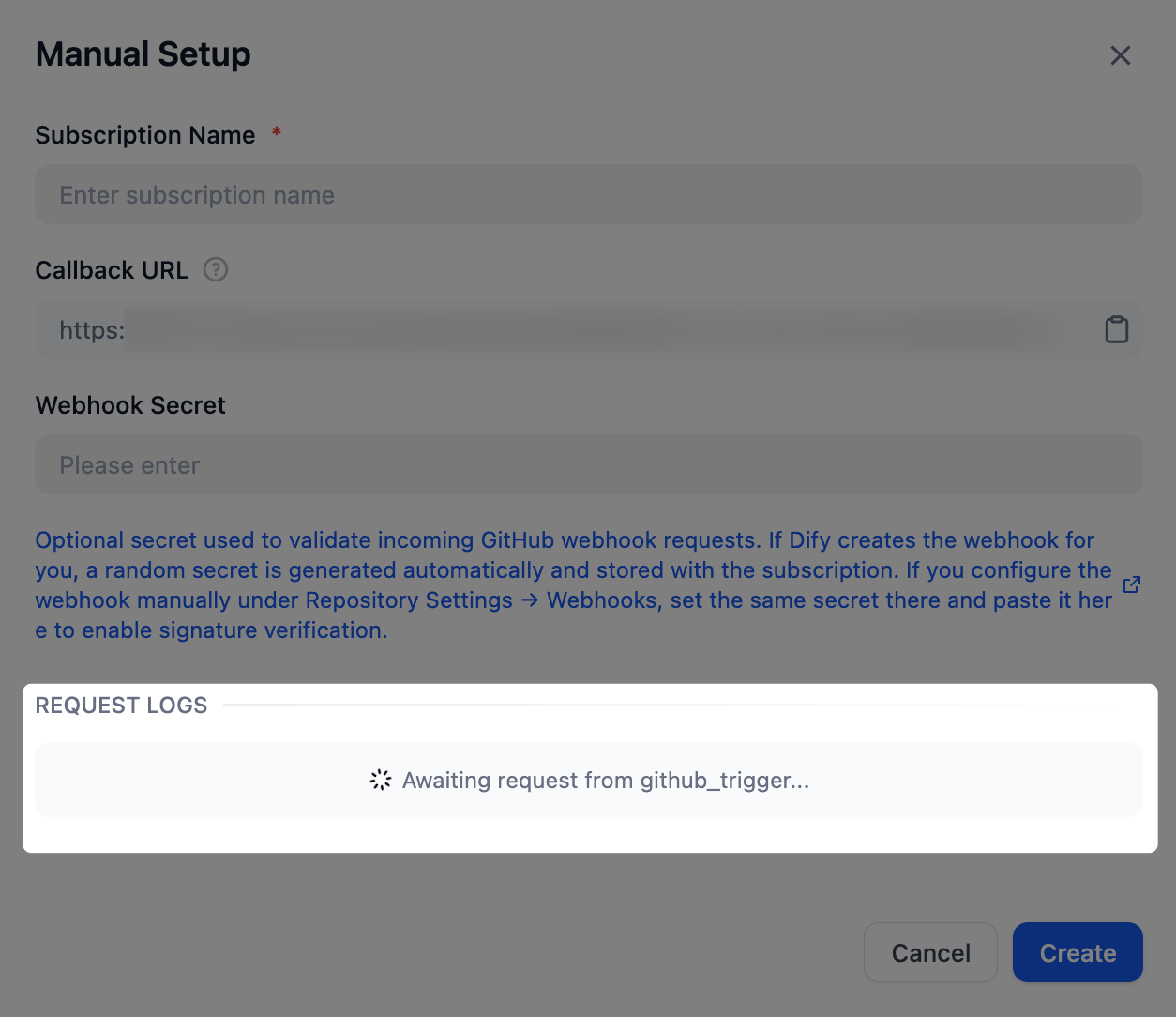
Handle Events
Once an event is extracted, the corresponding implementation must filter the original HTTP request and transform it into an input format that Dify workflows can accept. Taking the Issue event as an example, define the event inevents/issues/issues.yaml and its implementation in events/issues/issues.py. Define the event’s output in the output_schema section of issues.yaml, which follows the same JSON Schema specification as tool plugins.
- issues.yaml
- issues.py
Filter Events
To filter out certain events (for example, to focus only on Issue events with a specific label), addparameters to the event definition in issues.yaml. Then, in the _on_event method, raise an EventIgnoreError exception for events that don’t meet the configured criteria.
- issues.yaml
- issues.py
Create Subscriptions via OAuth or API Key
To enable automatic subscription creation via OAuth or API key, modify thegithub.yaml and github.py files.
- github.yaml
- github.py
In
github.yaml, add the following fields.subscription_constructor is a concept abstracted by Dify to define how a subscription is constructed. It includes the following fields:parameters(optional): Defines the parameters required to create a subscription, such as the event types to subscribe to or the target GitHub repository.credentials_schema(optional): Declares the credentials required to create a subscription with an API key or access token, such asaccess_tokensfor GitHub.oauth_schema(optional): Required for subscription creation via OAuth. For details on how to define it, see Add OAuth Support to Your Tool Plugin.
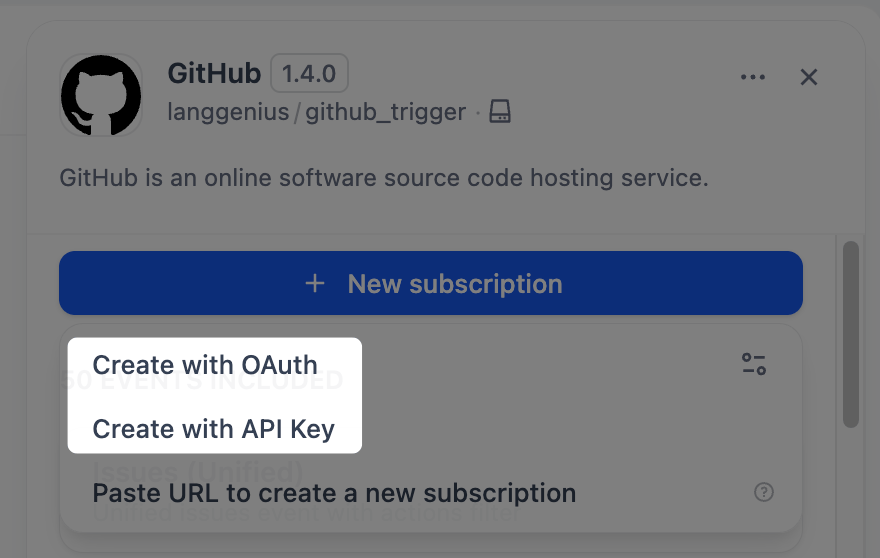
Once you have modified these two files, you’ll see the Create with API Key option in the Dify interface. The same
Constructor class also supports automatic subscription creation via OAuth: add an oauth_schema field under subscription_constructor to enable OAuth authentication.
Explore More
The interface definitions for the core classes in trigger plugin development are as follows.Trigger
TriggerSubscriptionConstructor
Event
Edit this page | Report an issue